For schools
Classroom games for teachers, with your own questions
Turn a review lesson into a quiz board, warm up a class with a word game, or end the term with a team challenge. Put the game on the board, type in your own questions and play. No student logins, no data collected, nothing to install.
See the gamesGames that work well
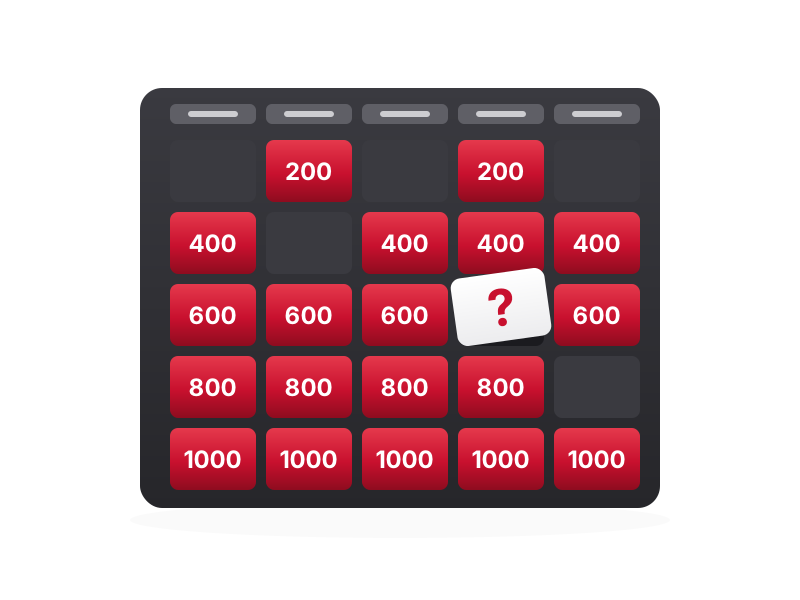 The Big BoardA quiz board with your own categories and questions. The classic end-of-unit review game.
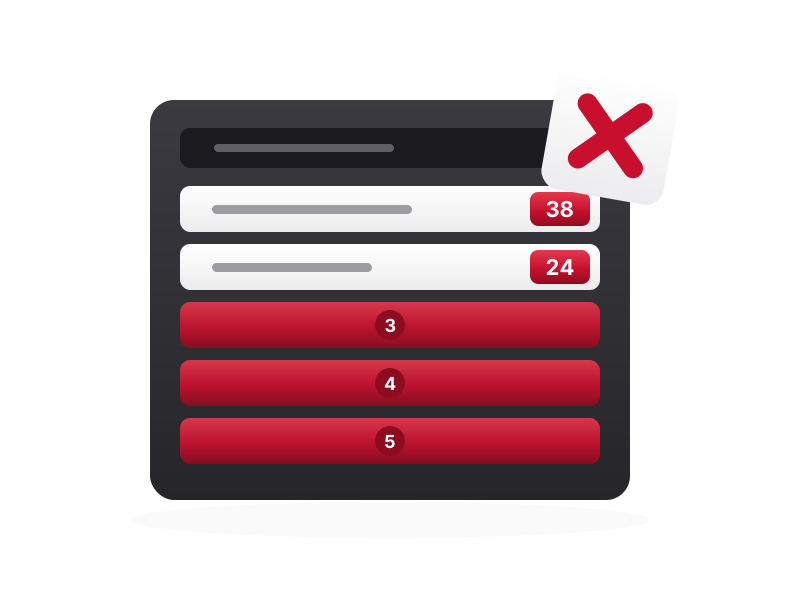 Survey ShowdownSurvey the class, then teams guess the most popular answers. Great for PSHE and form time.
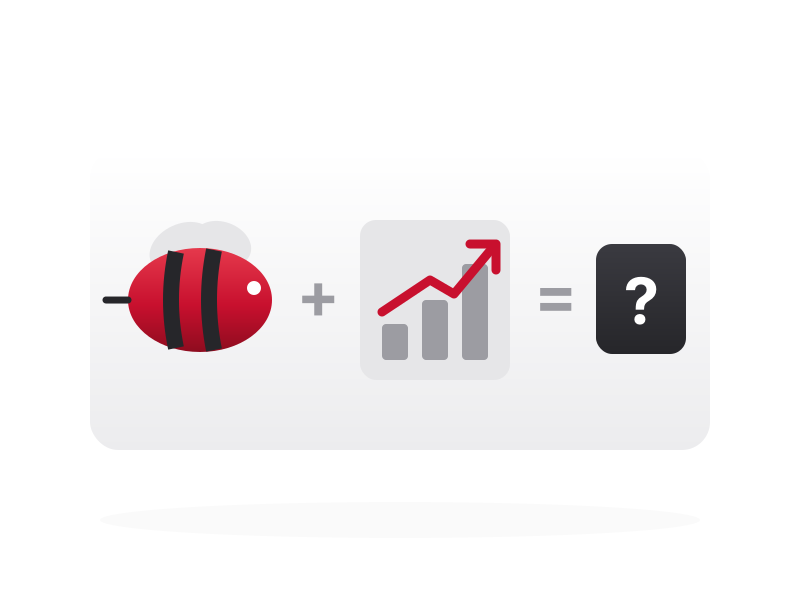 Emoji DecoderDecode book titles, idioms and key terms written in emoji.
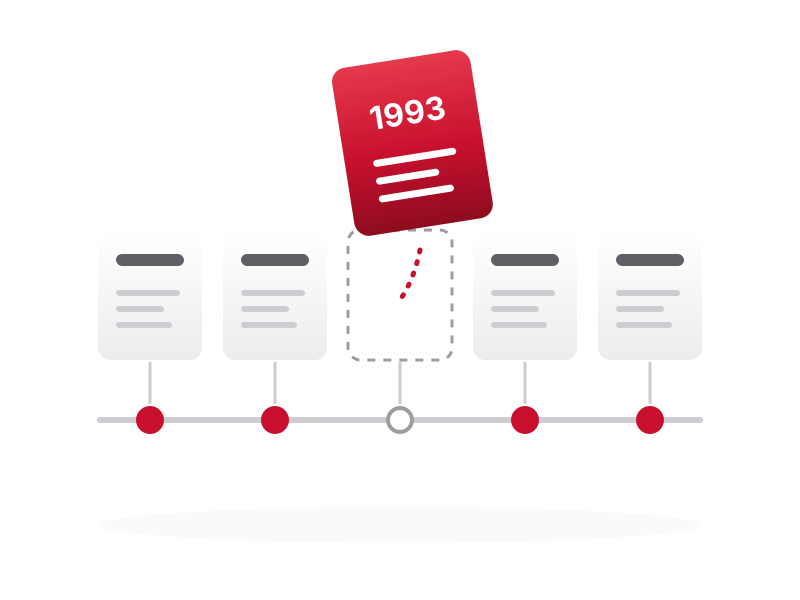 Chrono-LogicalPut events in order: history dates, story plots or the steps of an experiment.
 Geo QuestFind countries, cities and landmarks on a real world map.
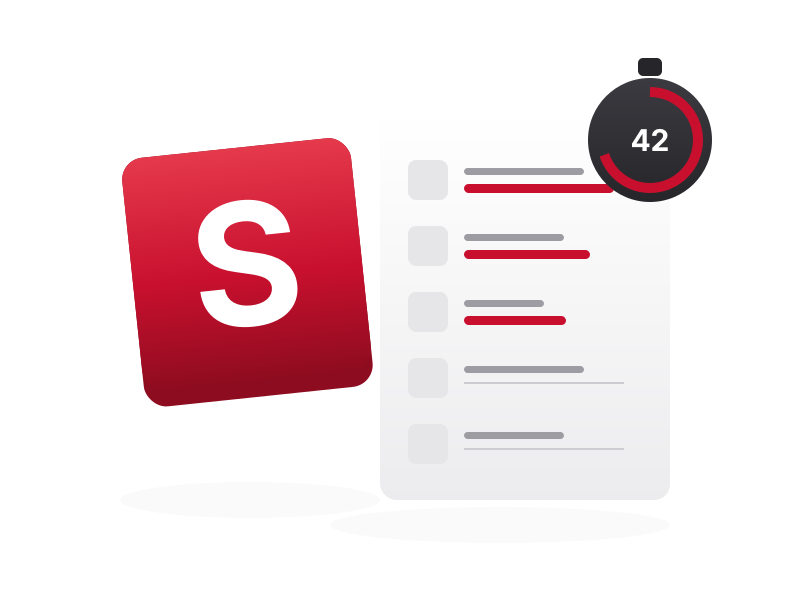 Letter SprintOne letter, five categories, sixty seconds. A quick vocabulary warm-up.
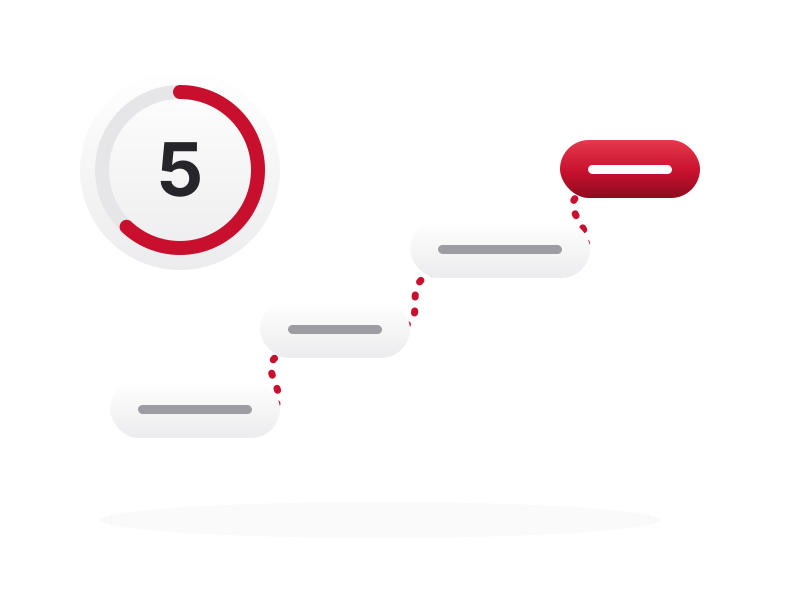 Synonym BlitzPass the chain with a synonym before the clock runs out.
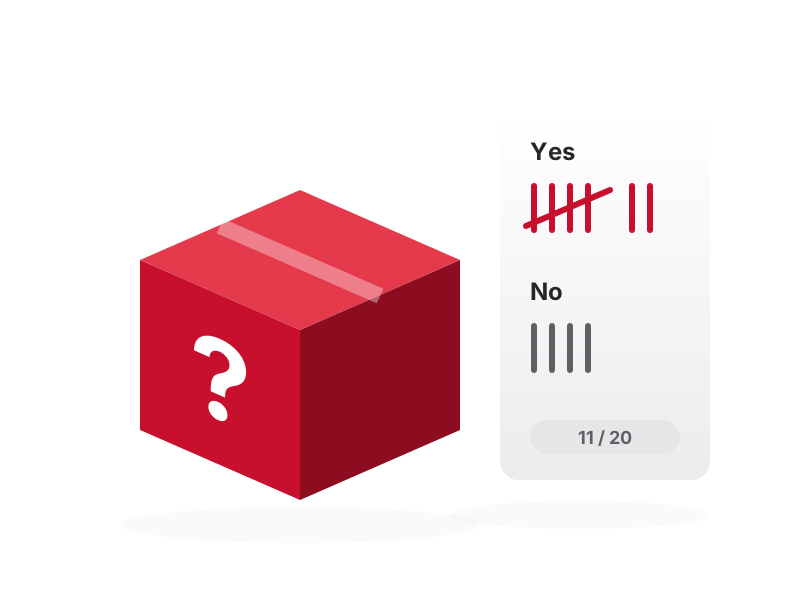 20 QuestionsYes-or-no questions to find a hidden answer. Builds questioning and deduction.
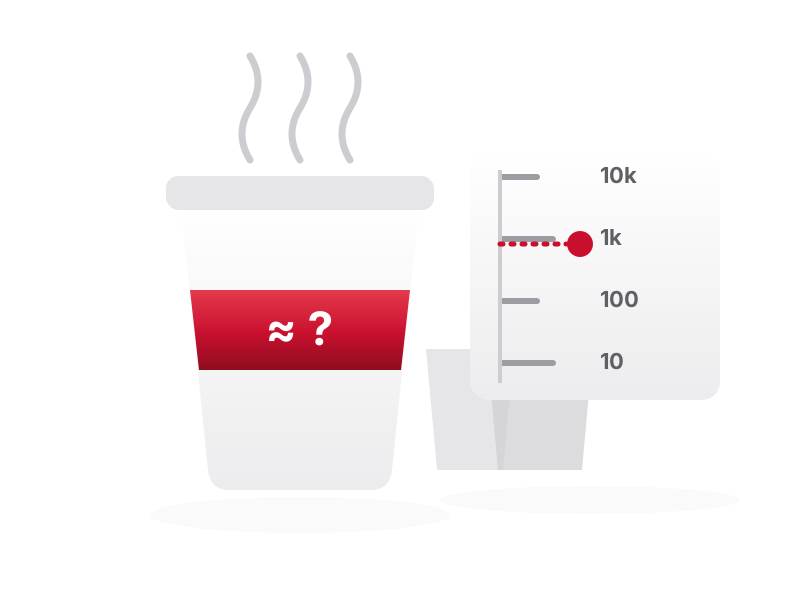 The Estimation ChallengeEstimation questions that build number sense. Closest team wins.
- SudokuSudoku in 4 × 4, 6 × 6 and 9 × 9, so every age has a puzzle at the right level.
How to run it
Pick a game for your lesson
Quick warm-ups take five minutes; quiz boards and team challenges fill a whole lesson.
Type in your own questions
Write questions for your topic and year group. Your setup is saved in your browser, so it’s ready for the next class.
Play on the board
Show the game on the interactive whiteboard or projector. Split the class into teams and the game keeps score.
Questions
Are these classroom games free?
Yes. All the games are free, with no sign-up and no trial.
Do students need accounts or devices?
No. Most games run on the teacher’s screen alone. A few let students join from a phone or tablet with a link, but none need an account.
Is any student data collected?
No. Nothing about students is collected or sent anywhere. Your questions and scores are saved only in your own browser.
Which games work best for review lessons?
The Big Board is the classic review game. Chrono-Logical suits history and sequences, Geo Quest suits geography, and Letter Sprint and Synonym Blitz build vocabulary.
Some games mention office life. Can I change the content?
Yes. Most games come with office-themed examples, but you can replace them with your own questions in the setup.